
How to Crop NEET PG Passport Photo (50–80 KB JPG)
Step-by-step: raise face ratio above 15%, keep 3.5×4.5 cm aspect, export JPG safely between 51–79 KB.
Use this guide with the free tool: NEET PG Passport Photo Crop (also on the tools hub#photo).
What NBEMS expects (reminder)
- Colour passport photo, white background
- 3.5 cm × 4.5 cm
- .jpg / .jpeg
- 50–80 KB (tool aims for 51–79 KB)
- Face should cover at least 15% of the photo area
If you see “Face ratio check Failed”, read: Face ratio fix guide.
Steps
- Open Passport Photo Crop.
- Drag & drop your photo (or click to browse). PNG/WebP are fine — export is JPG.
- Use Crop from bottom — the top stays locked so your head is not cut.
- Use Horizontal position to centre your face.
- Align your face inside the oval guide.
- Click Fix size & download JPG, then Download JPG.
- Upload that file on the NBEMS portal (pre-saved photograph).
Optional: use Capture real-time to practise webcam framing (still follow portal capture rules on exam day / registration).
Do / Don’t
| Do | Don’t |
|---|---|
| Crop from the bottom | Crop from the top (cuts forehead) |
| White background, frontal face | Other people / clutter in frame |
| JPG 51–79 KB | PNG or oversized files |
FAQs
Q1: Why bottom crop only?
A: Removing empty space below the shoulders increases face % without cutting your head.
Q2: My % was 14.58% — is that everyone’s number?
A: No. The portal shows your measurement. Only the 15% minimum is fixed.
Recent NEET Updates
Stay ahead in your preparation with our latest blogs:

Reaching the Age of Adolescence Class 8 Science | Rapid Revision in 10 Minutes | NCERT
Step through it in the video below

Reproduction in Animals Class 8 Science | Rapid Revision in 10 Minutes | NCERT
Step through it in the video below
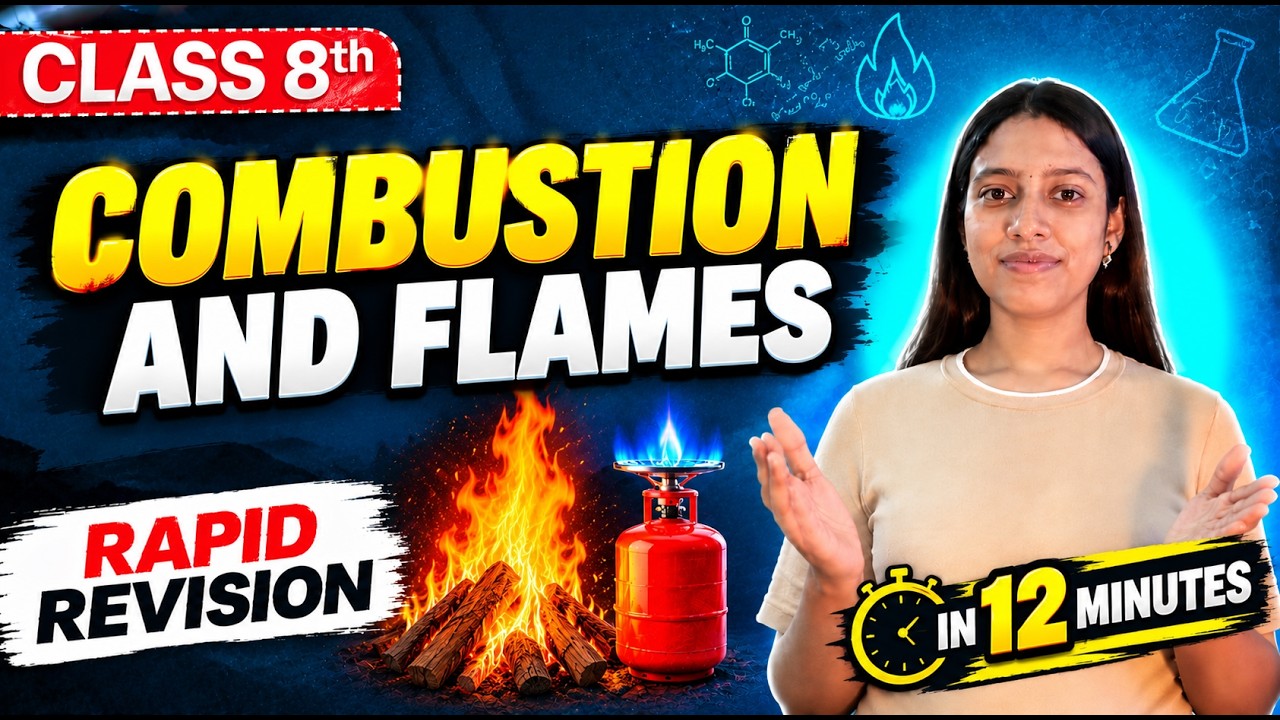
Combustion and Flame Class 8 Science 🔥 | Rapid Revision in 10 Minutes | NCERT
Step through it in the video below
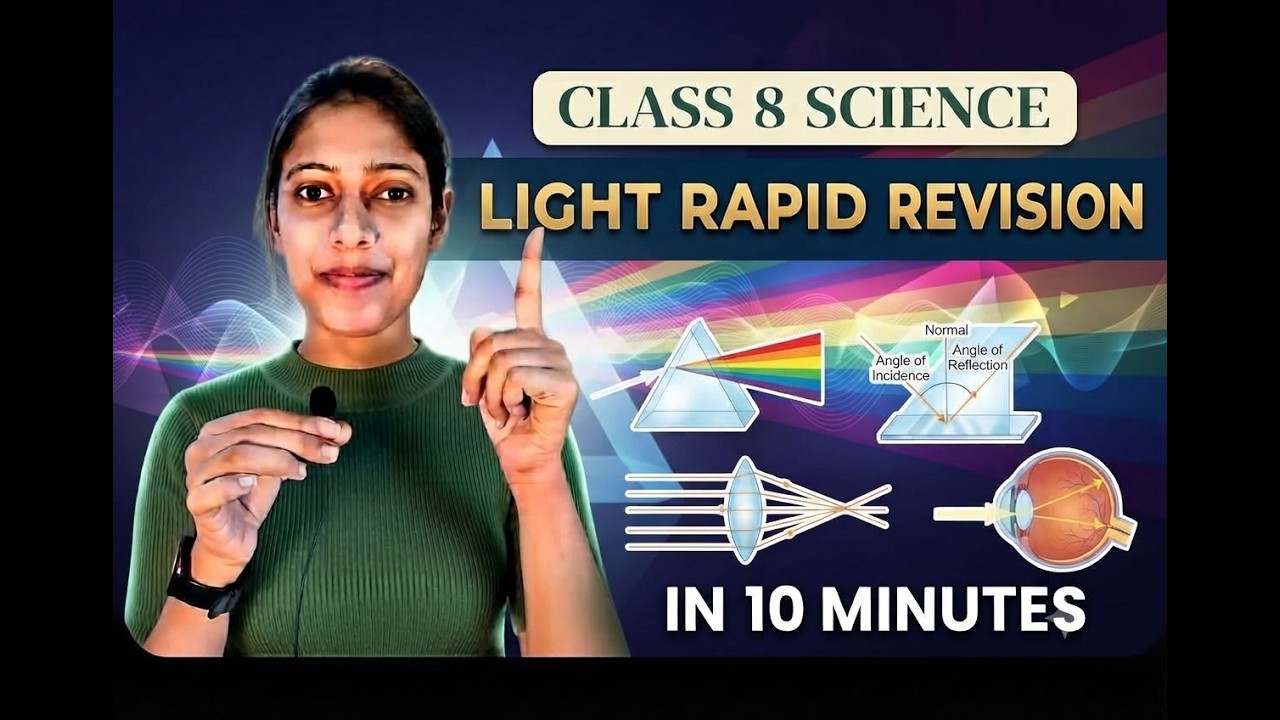
Light Class 8 Science | Rapid Revision in 10 Minutes | NCERT Class 8 Light | Important Concepts
Step through it in the video below
Ready to practice? Get the MockX App
Everything you need for NEET 2026 — available on Android & iOS.