
NEET PG Face Ratio Check Failed? Fix Photo to Cover 15%
Quality can be fine and the portal still rejects your photo — here’s why face ratio fails and how to fix it before upload.
Many NEET PG candidates see this on the NBEMS registration portal even when the photo looks sharp:
Face ratio check Failed. Face ratio in uploaded image is 14.5812%. Your face should atleast cover 15% of the area of the photo. Image quality is completely okay.
That percentage is not fixed. Yours may show 12%, 14.2%, 14.9%, or any other value under 15%. The only rule that stays the same: your face must cover at least 15% of the photo area.
Why this happens (quality OK, ratio fail)
NBEMS checks two different things:
- Image quality — focus, colour, format (can pass)
- Face ratio — how much of the frame your face occupies (must be ≥ 15%)
If you stand farther from the camera, include more chest/torso, or leave empty space below the shoulders, the face becomes a smaller share of the image. Quality stays fine; ratio fails.
Official photograph rules (upload + capture)
The candidate must upload two photographs:
- To be Uploaded: A pre-saved recent passport-size colour photograph as per guidelines
- To be Captured: A real-time photograph from the webcam / in-built camera
Upload guidelines:
| Rule | Requirement |
|---|---|
| Type | Passport size, coloured, white background |
| Size | Min 50 KB, max 80 KB |
| Format | .jpg or .jpeg |
| Scanner | 200 dpi |
| Dimension | 3.5 cm × 4.5 cm |
| Note | File once uploaded cannot be changed until the edit window |
Capture guidelines:
- Stand/sit against a white background
- Only you in the frame — no other people or objects
- Full face, ears, neck, and shoulders in frontal view; neutral expression; eyes open toward the camera
- Do not include body below the shoulders
The fix: crop from the bottom (not the top)
To raise face ratio without cutting your head:
- Keep the top of the photo (forehead / hairline) intact
- Crop from the bottom — remove extra torso, lap, or empty space below the shoulders
- Keep passport aspect 3.5 × 4.5 cm
- Export as JPG between 51–79 KB (safely inside 50–80 KB)
- If the file is PNG or another type, convert to JPG before upload
Cropping from the top shrinks the face and often makes the error worse. Bottom crop shrinks total area while keeping the face, so the percentage goes up.
Detailed how-to guides
Free MockX tools (client-side only)
Use these browser tools — your files are processed on your device, not uploaded to our servers:
- Passport photo crop (face ratio fix) — bottom crop + 51–79 KB JPG
- Signature & left thumb tool
- PDF compressor ≤ 1 MB — for Medical Council / MBBS certificates
- All NEET PG photo tools
Also prepare these common uploads on the portal:
- Recent passport photograph (pre-saved) + real-time capture
- Scanned signature
- Left thumb impression
- Medical Council Registration Certificate (MBBS)
- MBBS degree or Provisional MBBS Pass Certificate
Quick checklist before you upload
- White background, coloured passport photo
- Face fills enough of the frame (≥ 15%) — crop bottom if needed
- Ears, neck, shoulders visible; nothing below shoulders
- JPG/JPEG, 50–80 KB, about 3.5 × 4.5 cm
- No distracting objects or other people
FAQs
Q1: Why does my face ratio % differ from someone else’s (e.g. 14.58%)?
A: The portal measures your uploaded image. The number changes with distance, framing, and how much body is in the shot. Only the 15% minimum is the same for everyone.
Q2: Image quality is okay — why is the photo still rejected?
A: Quality and face ratio are separate checks. A sharp photo can still fail if the face covers less than 15% of the area.
Q3: Should I crop from the top or the bottom?
A: Crop from the bottom. Cutting from the top can remove forehead/hair and makes the face smaller relative to the frame.
Q4: What file size should I use?
A: Between 50 KB and 80 KB. Aim for 51–79 KB so you stay safely inside the limit after portal validation.
Q5: Can I upload PNG?
A: Use .jpg / .jpeg only. Convert PNG to JPG before uploading.
Q6: Will MockX store my photograph?
A: No. The photo tools run in your browser; processing stays on your device.
Recent NEET Updates
Stay ahead in your preparation with our latest blogs:

Reaching the Age of Adolescence Class 8 Science | Rapid Revision in 10 Minutes | NCERT
Step through it in the video below
Reproduction in Animals Class 8 Science | Rapid Revision in 10 Minutes | NCERT
Step through it in the video below
Combustion and Flame Class 8 Science 🔥 | Rapid Revision in 10 Minutes | NCERT
Step through it in the video below
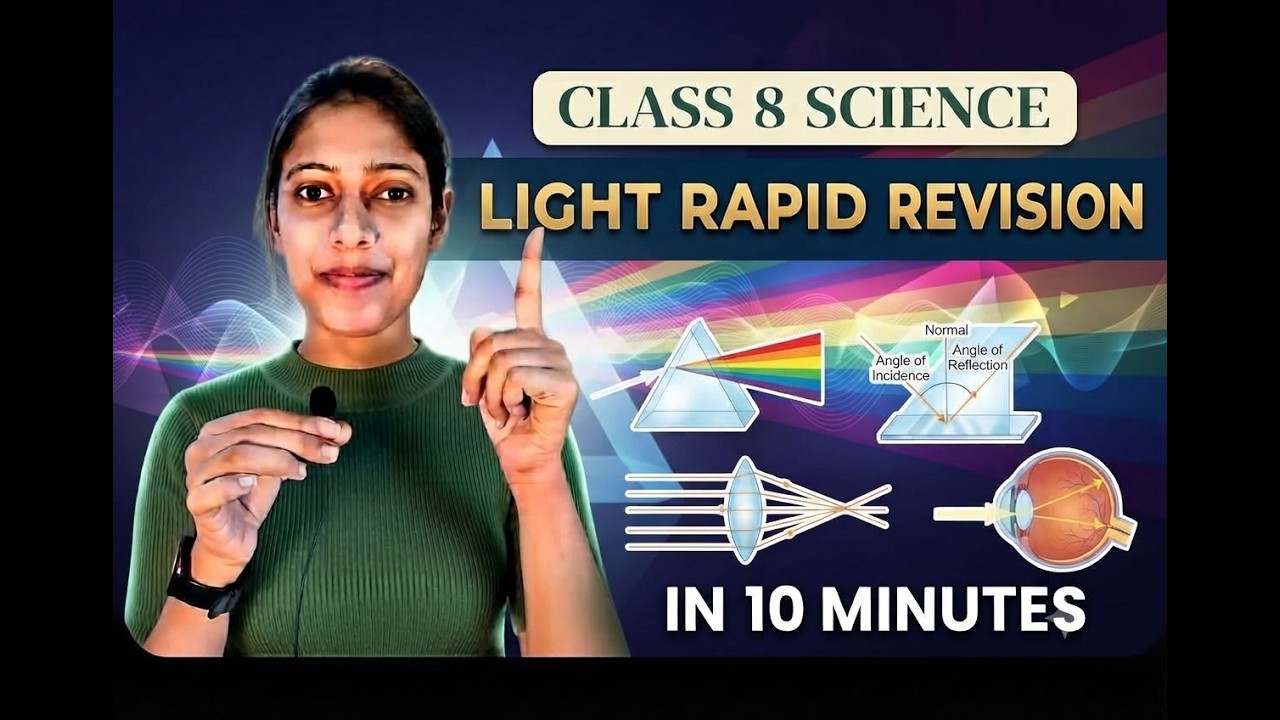
Light Class 8 Science | Rapid Revision in 10 Minutes | NCERT Class 8 Light | Important Concepts
Step through it in the video below
Ready to practice? Get the MockX App
Everything you need for NEET 2026 — available on Android & iOS.