
Compress NEET PG Certificate PDF Under 1 MB (Any Size)
Medical Council Registration and MBBS degree PDFs — page-by-page progress, preview, then download.
Certificate uploads (Medical Council Registration, MBBS degree / provisional) often fail when the PDF is over 1 MB. Use PDF Compressor (hub: PDF ≤ 1 MB#pdf).
Steps
- Open the PDF compressor.
- Drag & drop your PDF (any size) or click to browse.
- Watch page-by-page progress — large files may take several passes. Keep the tab open.
- When done, check Preview (page thumbnails + PDF viewer).
- Confirm result size shows under 1 MB, then Download PDF.
- Upload on the NBEMS portal and use View to verify.
Password-protected PDFs
Compression cannot open locked files. You’ll see a clear password required message.
- Unlock first: Unlock PDF
- Then compress the unlocked file under 1 MB.
Guide: How to unlock password PDF.
FAQs
Q1: Will text stay selectable?
A: Pages are re-encoded as images for size. For scanned certificates this is usually fine for portal upload.
Q2: Still over 1 MB after maximum compression?
A: Split into fewer pages or re-scan at lower resolution, then try again.
Recent NEET Updates
Stay ahead in your preparation with our latest blogs:

Reaching the Age of Adolescence Class 8 Science | Rapid Revision in 10 Minutes | NCERT
Step through it in the video below
Reproduction in Animals Class 8 Science | Rapid Revision in 10 Minutes | NCERT
Step through it in the video below
Combustion and Flame Class 8 Science 🔥 | Rapid Revision in 10 Minutes | NCERT
Step through it in the video below
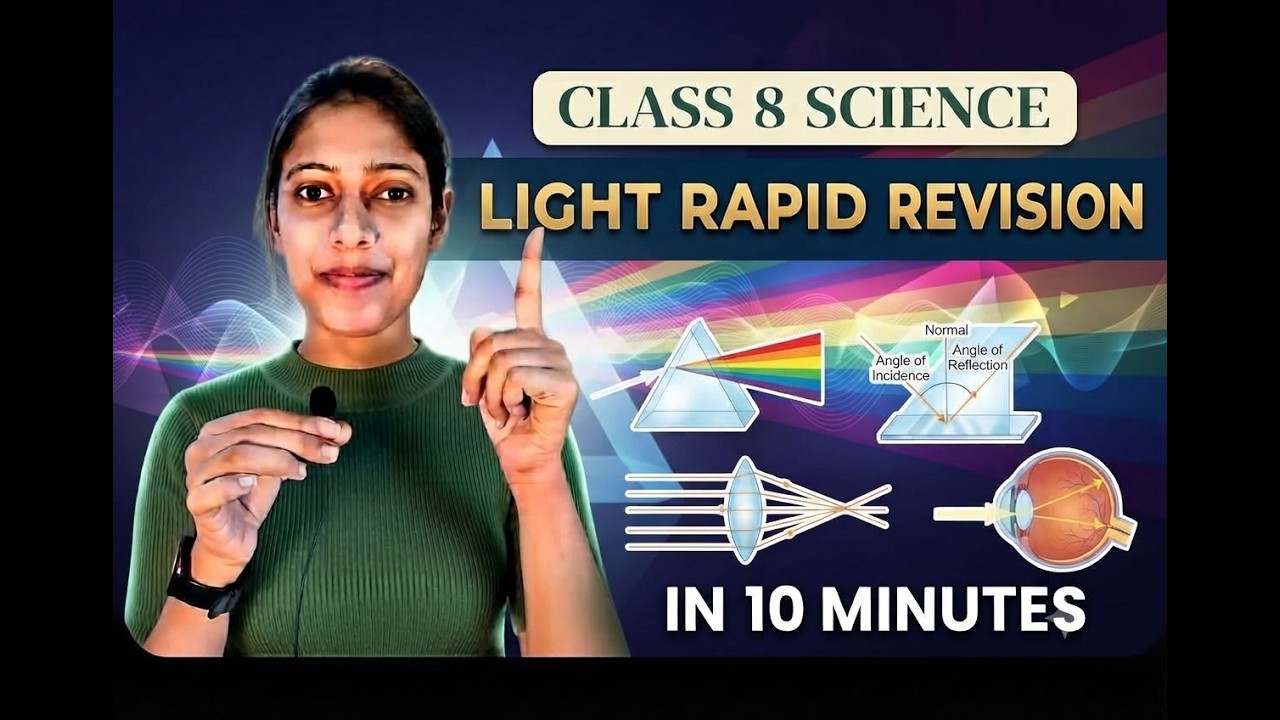
Light Class 8 Science | Rapid Revision in 10 Minutes | NCERT Class 8 Light | Important Concepts
Step through it in the video below
Ready to practice? Get the MockX App
Everything you need for NEET 2026 — available on Android & iOS.